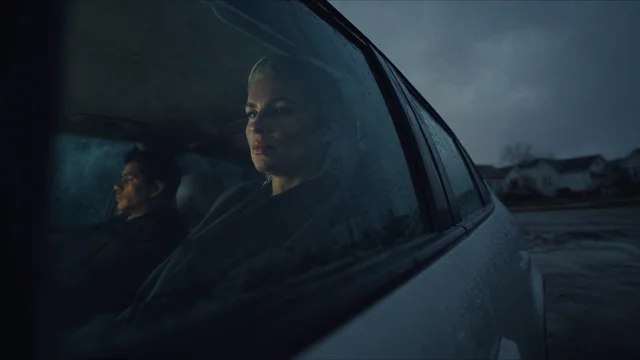
Text and image to video
Choose a current model, duration, aspect ratio, camera move, and look. Model-specific options stay in sync.
An AI image and video studio with live model pricing, cinematic controls, reusable characters, editing, effects, and a private generation library.
Creation workflows
Choose the workflow that matches the job. Every generation uses the same server-side catalog, credit ledger, queue, and library.
Choose a current model, duration, aspect ratio, camera move, and look. Model-specific options stay in sync.

Generate up to four images, preserve saved characters, edit with plain language, remove backgrounds, or upscale.

Plan a storyboard, review every scene, chain frames for continuity, and assemble the completed clips.
Live catalog
These names, capabilities, and starting credit prices come directly from the generation API used by the studios.

5 credits · 5s

8 credits · 5s

13 credits · 5s
8 credits · 6s

17 credits · 5s
22 credits · 4s
12 credits · 4s

11 credits · 5s
16 credits · 5s
12 credits · 5s
11 credits · 5s
10 credits · 6s
9 credits · 6s
6 credits · 5s
6 credits · 4s
14 credits · 5s
1 credit
2 credits
4 credits
3 credits

3 credits

2 credits
2 credits
2 credits
2 credits
2 credits
2 credits
4 credits
1 credit
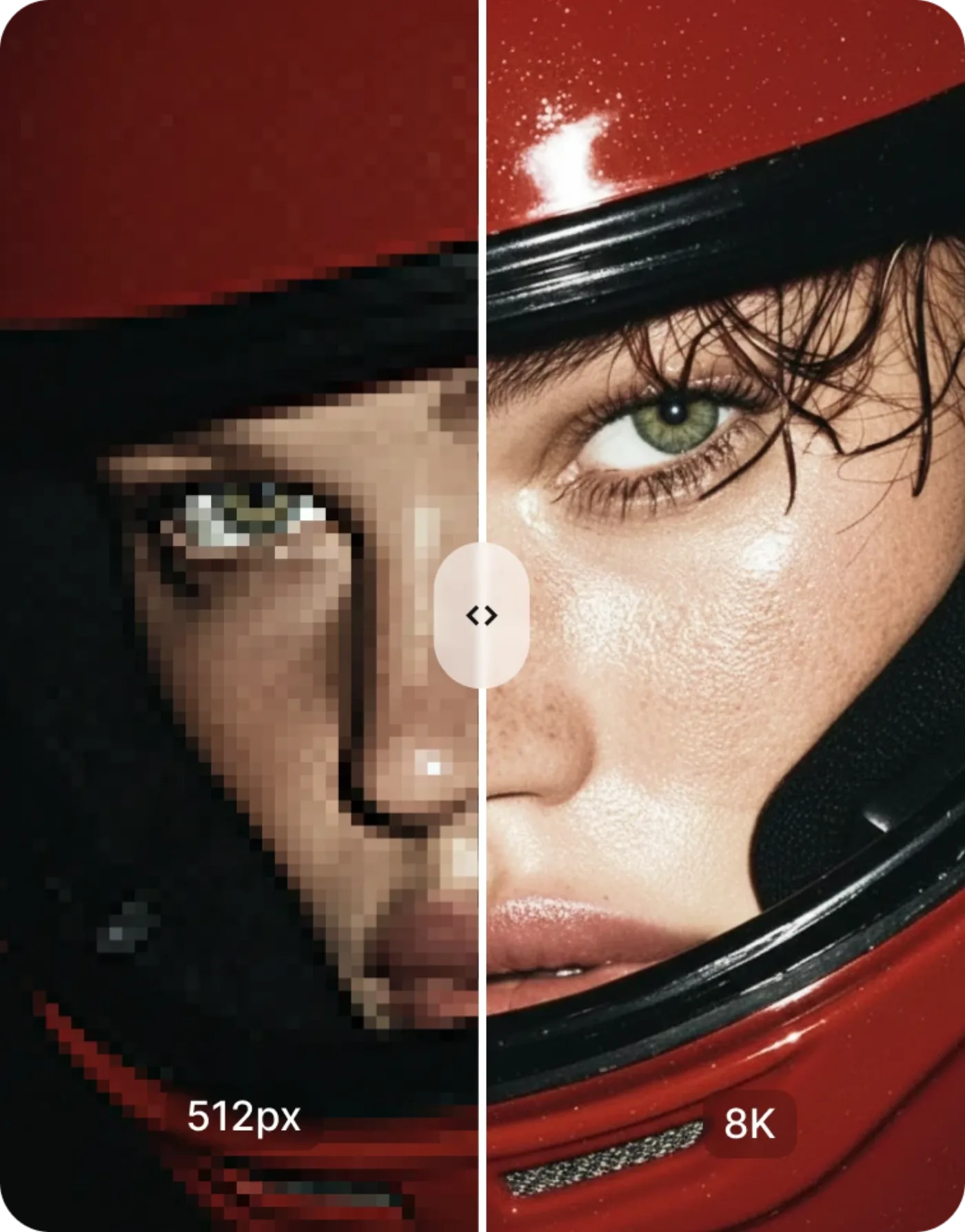
4 credits
Choose a starting point
Use these practical guides to compare models, costs, and workflows before opening the studio.
Creative control
Generation is only one part of the workflow. Pixel Engine keeps model settings, output, and follow-up tools close together.
Camera moves, shot types, lenses, aperture, film, lighting, and looks.
Save visual identities and reference them across image, video, and projects.
Edit images by instruction, remove backgrounds, and upscale 2x or 4x.
Track queued, completed, and failed work and return to prior generations.
Questions
The important parts of credits, model availability, and failure handling.
Each model has its own credit price. Video cost can also change with duration and resolution. Pixel Engine shows the exact estimate in the studio before you generate.
The model list below comes from the same live catalog the studios use. When the backend catalog changes, the page changes with it.
Failed submissions and failed queued jobs are marked in your account and the credits charged for that job are returned automatically.
No. New accounts receive 12 free credits and do not need a card to sign up.
Create an account without a card, inspect the live catalog, and choose a generation with its cost visible before you run it.